











Not All Replacement Screens
Are Created Equal.
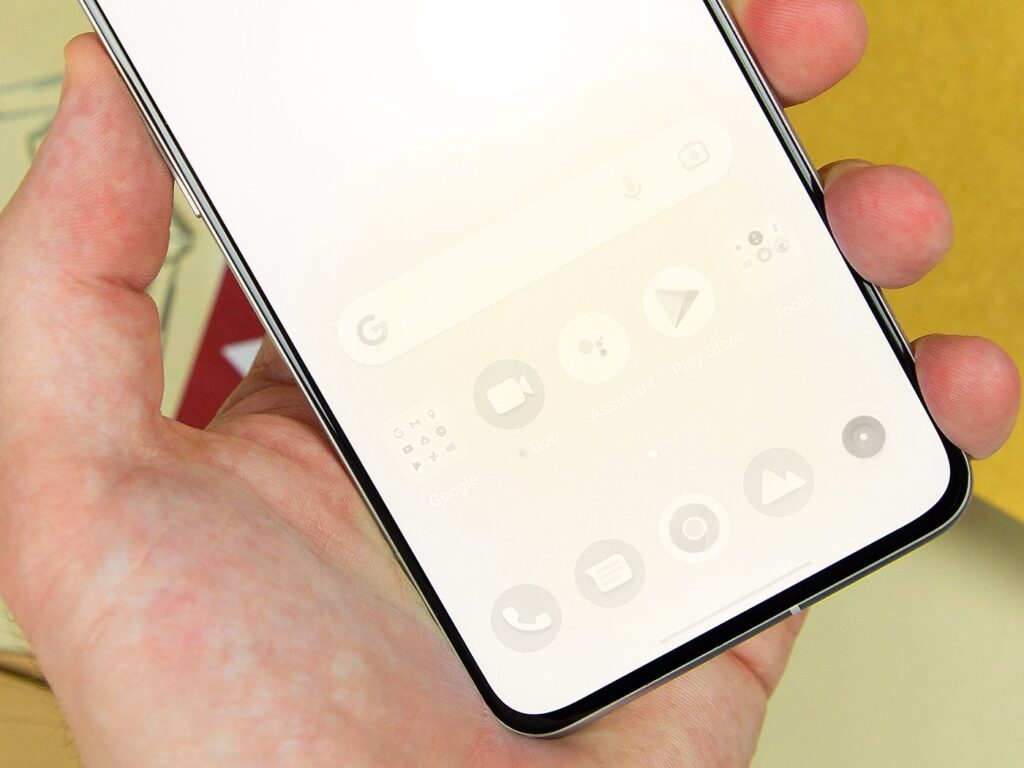
OEM? Original? Premium Aftermarket? LCD? OLED? Choosing a replacement screen shouldn’t require a crash course in display technology.
At Fix Factory, we make your options clear so you can choose the right balance of quality, performance and price for your device.
Choose What Matters Most to You.
Whether you want the closest possible match to the device’s original display or a quality-focused, more economical alternative, we’ve got you covered.
Original Quality
For customers who want the closest match to original.
OEM and Original Quality options prioritize the display characteristics, fit, functionality and overall experience expected from an original-quality screen assembly.
- Original-quality display experience
- Excellent brightness and colour performance
- Excellent touch response
- Precise fit and finish
- Ideal for newer and premium devices
Premium Aftermarket
Quality-focused performance at a more accessible price.
Our Certified Premium Aftermarket options are selected to provide dependable everyday performance without the higher cost associated with OEM or Original Quality parts.
- Carefully selected aftermarket quality
- Reliable everyday touch performance
- Strong value for the repair cost
- Professionally installed and tested
- Multiple display technologies on select models
LCD, OLED or OEM?
Some devices offer additional choices within our quality levels. Availability depends on your exact make and model.
Value-Focused Option
On compatible models, LCD can provide a more economical replacement option while restoring normal display and touch functionality.
Enhanced Display Option
OLED options generally provide improved contrast, deeper blacks and display characteristics closer to devices originally designed with OLED technology.
Original Quality Option
Designed for customers seeking an original or original-quality display experience where an OEM option is available for their device.
The Part Is Only Part of the Fix.
Screen quality matters. But so do the technician, installation, warranty and support you receive after the fix.
Convenient Service
Get Fixed™ with Mobile OnSite service where available, Fix Concierge pickup & return, and other available Fix Factory service options.
Explore Service Options →Post-Fix Support
Have a question or concern after your fix? Our ticket-based support system gives you a clear channel for post-fix assistance.
Get Support →Lifetime Warranty + Guarantee
Eligible screen fixes are backed by Fix Factory’s Lifetime Warranty + Guarantee, subject to the applicable warranty terms.
View Warranty Terms →Lowest-Price Fix Guarantee.
Find a competitor with an equal qualifying offer and we’ll work to beat their written quote. If we don’t, your eligible fix may be free under the terms of our Lowest-Price Fix Guarantee.
Choose Your Device.
Choose Your Quality.
We’ll show you the available screen and display options for your device so you can choose the fix that makes the most sense for you.
You book with us because it makes sense.
You book again because it works.
Get Fixed. Right. Onsite.
Fast. Convenient. Reliable.
Certified expert fix, on your terms. Here’s what makes us different.
Fixed in
Under 30 Minutes
iPads, Tablets, Board Fix
within 2-24 hours
We Come to You,
Premium Doorstep Service
The Original Onsite
Mobile Fix Technicians™
Lifetime Warranty +
Install Guarantee
On all Eligible Screen
Replacements
Lowest-Price Fix
Guarantee™ (LFG)
We Won’t be
Beat on Price