



iPad vs iPad Pro vs iPad Mini vs iPad Air: Which Should You Buy?

iPad vs iPad Pro vs iPad Mini vs iPad Air - Which one should you buy

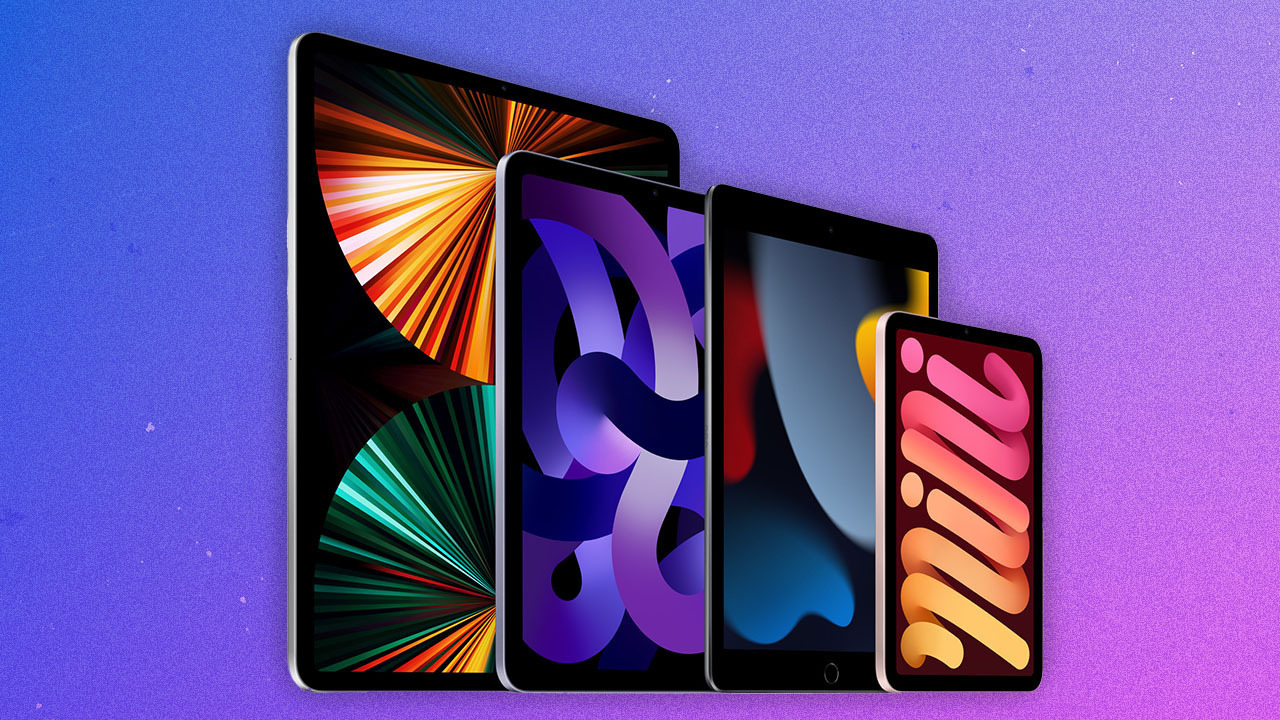
Choosing the right iPad for your needs can be a challenging decision due to the variety of models available. Each iPad offers distinct features and capabilities, making it essential to consider your specific requirements and preferences. In this comparison, we’ll explore the iPad, iPad Pro, iPad Mini, and iPad Air to help you make an informed decision.

iPad:

Best for: Casual use, content consumption, web browsing, and basic productivity tasks

Key Features:

Affordable price point

Compact and portable design

Supports Apple Pencil (1st generation)

Adequate performance for everyday tasks

Considerations:

Limited processing power for intensive tasks

Smaller screen size compared to other models

Single-camera system with basic capabilities

iPad Pro:

Best for: Professionals, creatives, and power users who require top-tier performance

Key Features:

High-performance A-series chips for demanding tasks

Excellent Retina display with ProMotion technology (up to 120Hz refresh rate)

Compatibility with the Apple Pencil (2nd generation) and Magic Keyboard

Multicamera system with advanced photography and video capabilities

Larger screen size options (11-inch and 12.9-inch)

Considerations:

Higher price point

Larger and heavier than other iPad models

Accessories like the Magic Keyboard can be expensive

iPad Mini:

Best for: Those seeking a compact and portable tablet for on-the-go use

Key Features:

Ultra-portable design with a 7.9-inch Retina display

Powerful performance with an A-series chip

Supports the Apple Pencil (2nd generation)

Suitable for reading, note-taking, and light productivity tasks

Considerations:

Smaller screen may not be ideal for multitasking or content creation

Limited keyboard accessory options due to its size

iPad Air:

Best for: Users who want a balance of performance and portability without the high-end price of the iPad Pro

Key Features:

Performance boost with the A14 Bionic chip

Compatibility with the Apple Pencil (2nd generation) and Magic Keyboard

Excellent Retina display

A lighter and more portable option than the iPad Pro

Considerations:

Pricier than the standard iPad

May lack some advanced features found in the iPad Pro

Which One Should You Buy or Is it Better to Fix?

The choice between these iPads depends on your specific needs and budget:

iPad: If you’re on a tight budget and need a tablet primarily for casual use, web browsing, and media consumption, the standard iPad is a cost-effective choice.

iPad Pro: For professionals and those who demand top-notch performance, a high-refresh-rate display, and advanced camera capabilities, the iPad Pro is the way to go, albeit at a higher cost.

iPad Mini: If portability is your top priority and you need a compact tablet for reading, note-taking, or light tasks, the iPad Mini is a great option.

iPad Air: The iPad Air strikes a balance between performance, portability, and affordability. It’s an excellent choice for users who want a more capable tablet without the premium price tag of the iPad Pro.

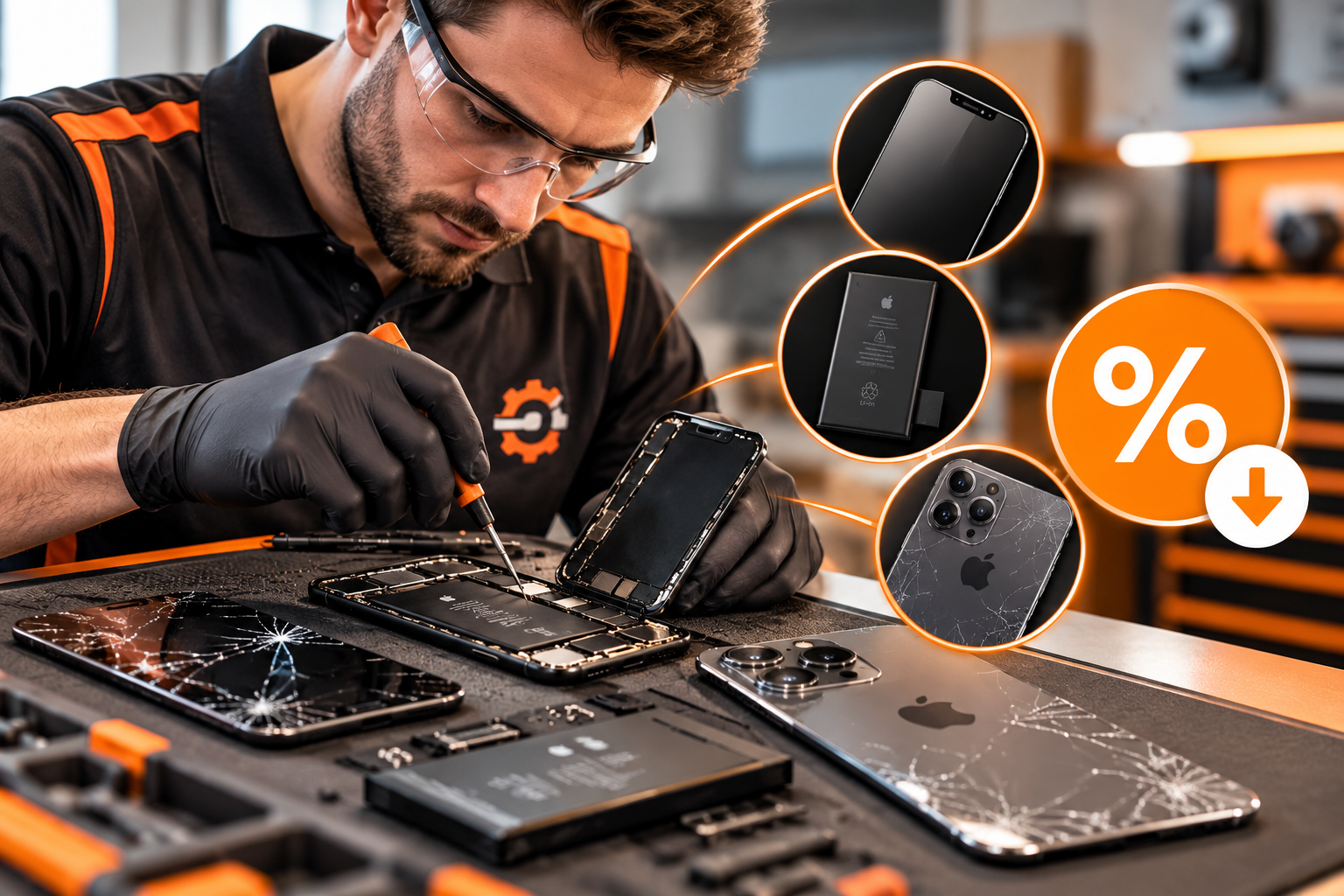
Consider your use cases, budget, and desired features when making your decision. Remember that Apple frequently updates its iPad lineup, so be sure to check for the latest models and their specifications before making a purchase. Alternatively, fix an older one that you may have around, and revive your device for a fraction of the cost of a new one!
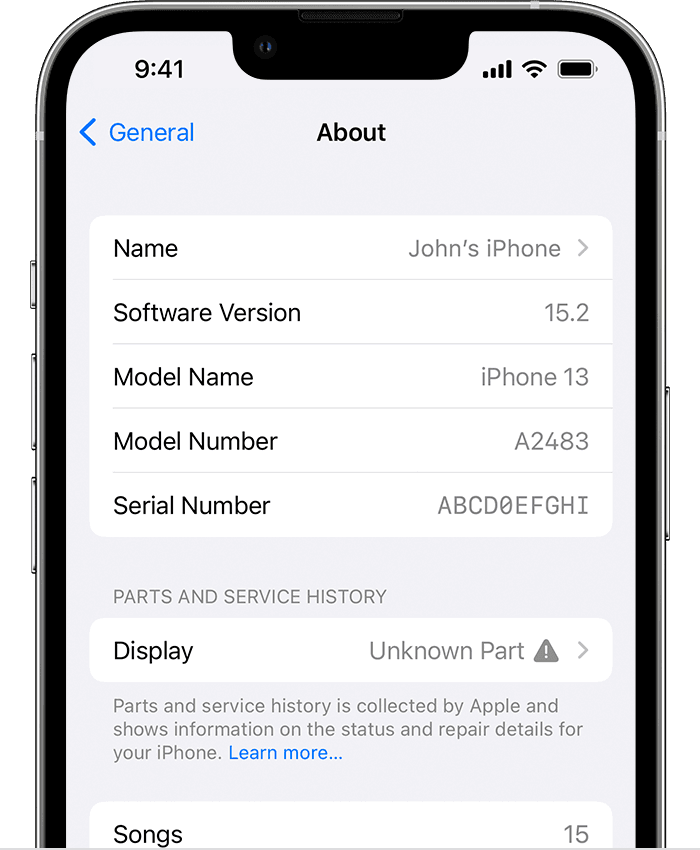
Unable to Verify Genuine Parts Message?

ios15-settings-general-about-parts-unknown-part

Information about Genuine/OEM/Aftermarket Quality iPhone Parts and Service History

Important Display Message - Apple Warnings

At Fix Factory Canada, we give you options without compromising on quality.

The Genuine Apple™ parts are built to Apple’s exacting standards for performance and reliability. Our Genuine / OEM / Original Quality parts are held to the same strict requirements – using premium materials, advanced manufacturing, and the same rigorous testing – often coming directly from the Original Equipment Manufacturer or as Genuine parts themselves.

For those looking for the best value without sacrificing performance in most cases, our Premium Aftermarket Quality parts deliver exceptional quality – many on par with OEM standards – matched with value-pricing.

We also use cutting-edge coding technology to ensure your device performs exactly as it should, based on its respective quality class. This means screens with crisp brightness, vivid colors, perfect white balance, and smooth, responsive Multi-Touch™ – plus full support for True Tone™, Night Shift™, and Haptic Touch™ (on never fixed iPhone 7 and newer models).

No matter which option you choose, you’ll get the performance, reliability, and attention to detail your device deserves.

You book with Us because it makes sense. You book again because it works.

Get Fixed

About the “Unable to Verify” Message on iOS 15.2 and Later

Starting with iOS 15.2, when a technician installs a replacement part – whether Genuine Apple™, OEM/Original Quality, or Premium Aftermarket—your iPhone may display an “Unable to Verify Genuine Parts” message in Settings > About. This is due to Apple’s software changes and is not an indication of poor quality or improper installation.

Currently, only Apple and its authorized service providers can remove this message using Apple’s proprietary Horizon™ Software. Even if we install a Genuine Apple™ part, the message will remain if the installation is performed outside of Apple’s network. In some cases, batteries may come pre-coded and your technician will be able to clear this “Unable to Verify” message through the ‘complete repair’ menu upon completion of part(s) installation.

What This Means for You

Performance: The message does not affect your iPhone’s functionality, performance, or features.

Compatibility: All installed parts will work as intended, supporting features such as True Tone™, Night Shift™, Haptic Touch™, and more.

Guarantee: We guarantee that the part you order is exactly what’s installed. Our OEM/Original Quality parts meet the same manufacturing specifications and quality standards as Genuine Apple™ parts—minus the Horizon™ coding.

While Apple’s stated reasons for the warning message may sound logical (e.g. “the part is not genuine”), in reality this may be more about FUD – Fear, Uncertainty, and Doubt – to discourage third-party repairs. The only way to remove the message, even on a Genuine Apple™ part installed by a third-party repair shop, is through Apple’s coding system, or install pre-coded parts that are compatible with your device.

We appreciate your trust in Fix Factory Canada and remain committed to giving you the highest-quality parts, honest information, and exceptional service.

You may read more about this parts and service history message on the Apple Support Pages: https://support.apple.com/en-us/HT212878 & https://support.apple.com/en-us/HT210321