














Please see our quick-step guide below to re-initialize & calibrate your new integrated OEM fingerprint sensor:
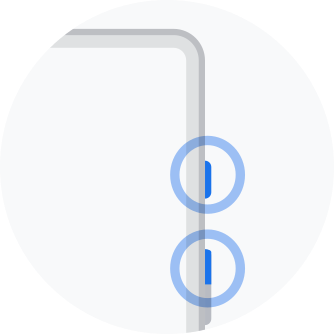
BACKUP & Turn off Your Device
Create a backup to your cloud account or favorite backup method.
Turn off your device by holding the volume up and power buttons.
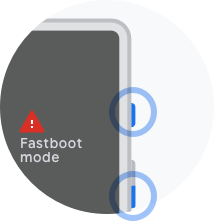
Enter Fastboot Mode
Make sure your device is turned off. Press and hold the Power and Volume Down buttons for 3 seconds until the device turns on and you see a black screen with red triangle. You’ll be in Fastboot mode.
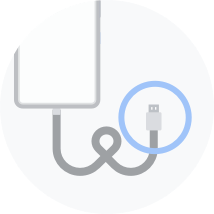
Connect Your Device to Computer
Once your device is in Fastboot mode, connect your device to the computer using a USB cable. Then select connect device here: Google Pixel Online Fingerprint Recalibration Tool.