














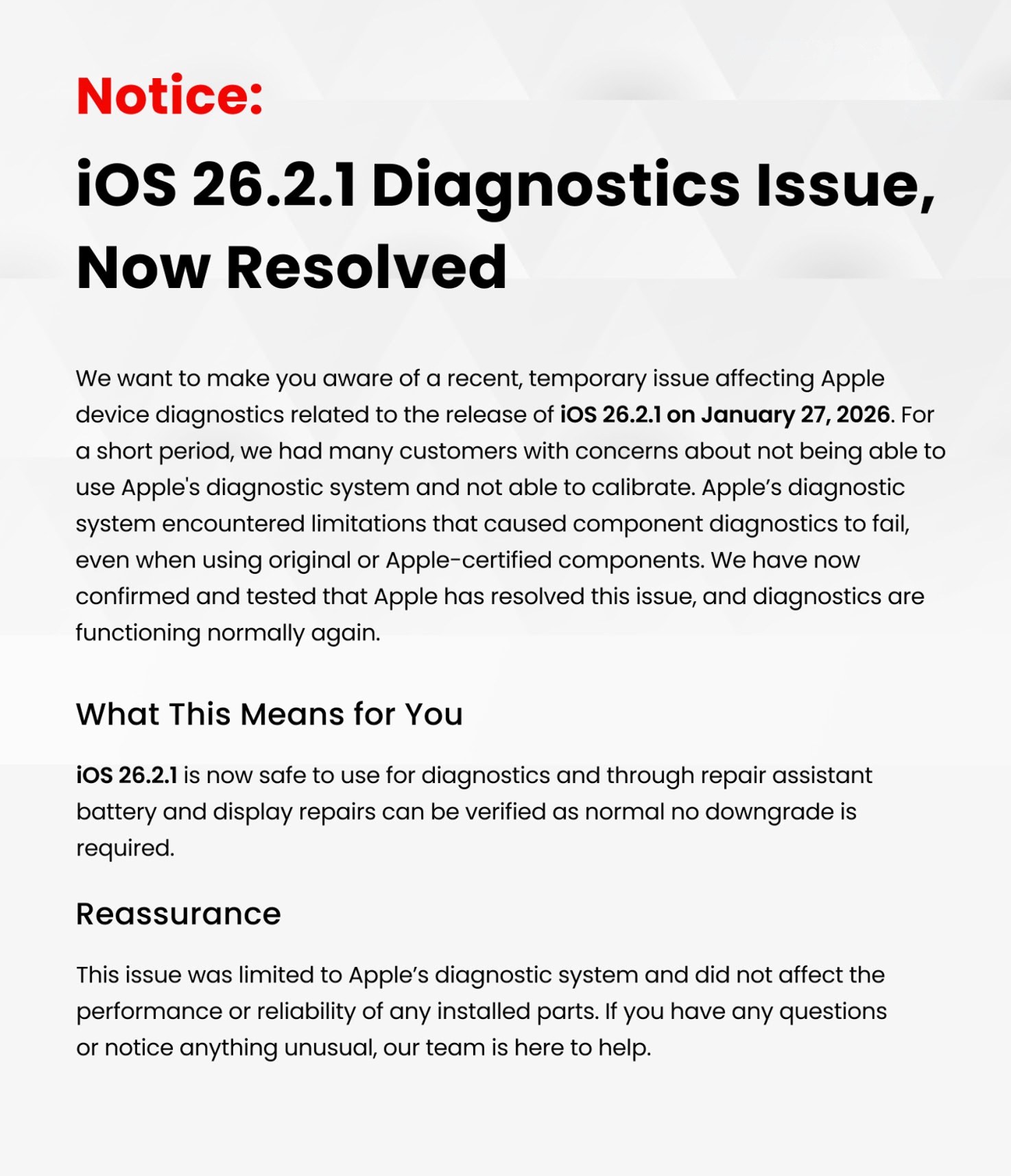
📢 iOS 26.2.1 Diagnostics Update: January 30, 2026
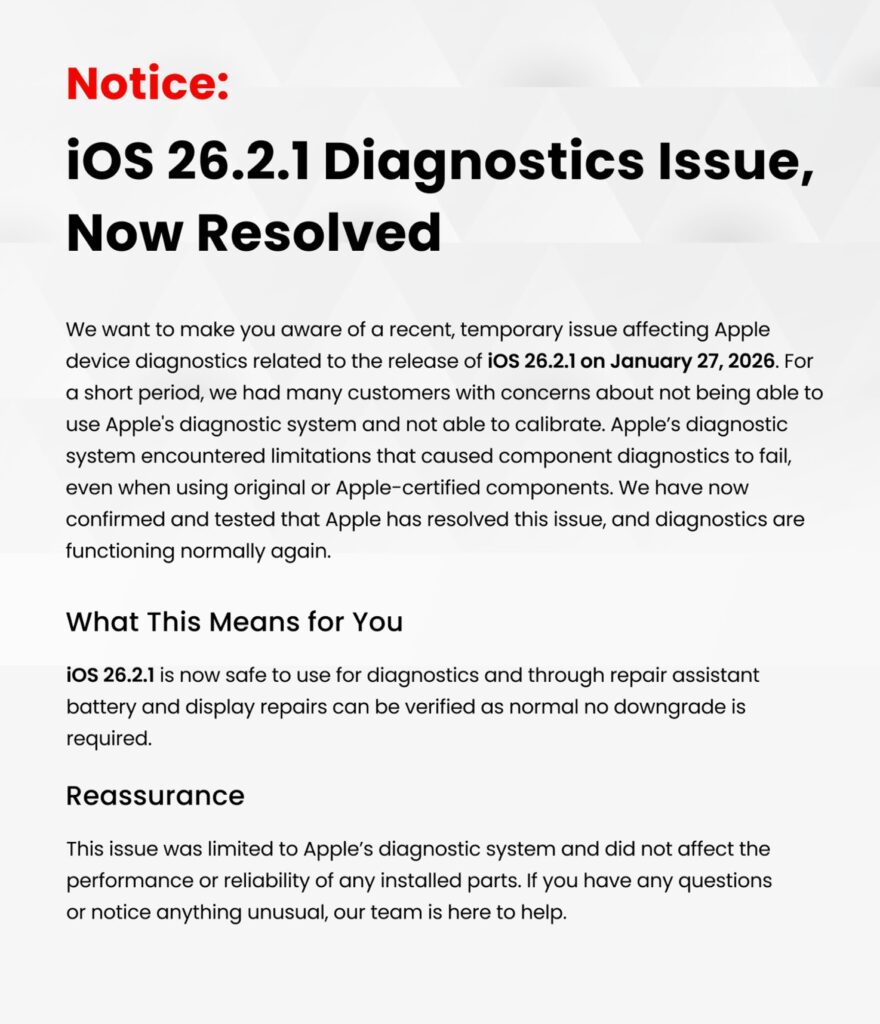
Over the past few days, some customers experienced unexpected issues when running Apple diagnostics following the release of iOS 26.2.1 on January 27, 2026. We want to provide clarity on what happened, what it affected, and—most importantly—where things stand now.
The Short Version
✔️ The issue was temporary
✔️ It has now been fully resolved by Apple
✔️ Diagnostics and calibration are working normally again
✔️ No repairs or installed parts were affected
What Happened?
Following Apple’s release of iOS 26.2.1, a temporary limitation occurred within Apple’s diagnostic system. During this short window, some devices were unable to complete component diagnostics or calibration—even when original or Apple-certified parts were installed.
This created understandable concern for customers undergoing battery or display repairs, as Apple’s diagnostics are used to verify components through Repair Assistant.
The key point:
👉 The issue was with Apple’s diagnostic system itself — not the device, not the repair, and not the parts installed.
The Issue Is Now Resolved
We’ve since confirmed and tested that Apple has resolved the diagnostics limitation. As of now:
- iOS 26.2.1 is safe to use
- Apple diagnostics are functioning normally
- Battery and display repairs can be verified as expected
- No downgrade or workaround is required
Everything is back to business as usual.
What This Means for You
If your device was repaired during this period:
- Your installed parts remain fully functional and reliable
- There was no impact on device performance or longevity
- Any diagnostic flags encountered during that window were system-related, not hardware-related
If your repair required verification, it can now be completed without issue.
Our Commitment to Transparency
We believe in keeping customers informed—especially when issues are outside your control. While this was an Apple-side system limitation, we monitored the situation closely and waited for full confirmation before resuming diagnostics-dependent workflows.
If you have any questions, concerns, or notice anything unusual with your device, our team is always here to help.
Thank You for Your Trust,
Fix Factory (Canada)