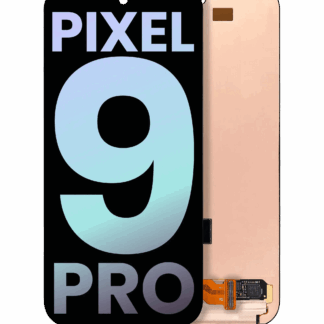






Pixel 9 Pro & Pixel 9 Pro XL – Google Extended Repair Program

GOOGLE PIXEL SERVICE UPDATE

Pixel 9 Pro Display
Extended Repair Program

Google has launched an extended repair program for a limited number of Pixel 9 Pro and Pixel 9 Pro XL devices affected by specific display issues.

Eligible devices may qualify for a display replacement through Google’s program for up to three years from the original retail purchase date.
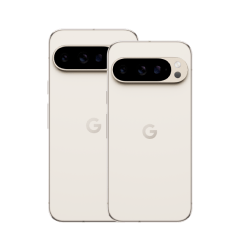
Google Pixel 9 Pro and Pixel 9 Pro XL
UNDERSTAND THE PROGRAM

A limited number of devices may experience specific display issues.

Google has determined that a limited number of Pixel 9 Pro and Pixel 9 Pro XL devices may experience display-related issues affecting normal device functionality.

Extended Coverage

Up to three years from the original retail purchase date.

Google’s extended repair program provides additional support coverage for eligible affected devices beyond the standard warranty period.

QUALIFYING ISSUE

Vertical Display Line

A vertical line appearing on the display and running from one end of the screen to the other may qualify.

QUALIFYING ISSUE

Display Flickering

Certain display-flickering symptoms affecting eligible Pixel 9 Pro devices may also qualify under the program.

Experiencing a different issue? Your device may still have coverage under Google’s standard warranty even if it does not qualify for this specific program. Review Google’s warranty and repair options →

ELIGIBILITY REQUIREMENTS

What Google looks for when determining eligibility.

Qualification is not based on the phone model alone. The device must meet the applicable program requirements and pass inspection.

01

Covered Issue

The device must exhibit a qualifying vertical display line or applicable display flickering covered by the program.

02

Coverage Period

Extended coverage lasts for three years from the device’s original retail purchase date.

03

Device Condition

Other damage, including a cracked display or cover glass, may need to be addressed before the device can qualify for the extended repair.

04

Verification

The device must be inspected and verified through Google or an authorized service provider to determine final eligibility.

Physical damage can affect eligibility.

A cracked screen, damaged cover glass, liquid damage, or other physical damage may prevent the device from qualifying for a free display replacement under the extended program.

REPAIR PROCESS

If your device qualifies, what happens next?

Google provides several ways to begin the repair process. Preparing your device beforehand can help make service smoother.

STEP 01

Check Your Repair Options

Beginning December 8, 2025, eligible repairs can be handled through Google walk-in locations, authorized service partners, or available online repair options.

STEP 02

Back Up Your Data

Google advises customers to back up important information before submitting a device for service.

STEP 03

Enable Repair Mode

Google recommends placing the Pixel in Repair mode, available through the device’s System settings, before service.

STEP 04

Repair Warranty

Repairs completed through the extended program include a 90-day warranty on the replaced parts.

ALSO ANNOUNCED BY GOOGLE

What about the Pixel 9 Pro Fold?

Google has also introduced an extended warranty program for certain Pixel 9 Pro Fold functionality issues. Eligible devices may qualify for a replacement through Google’s program.

THINK YOUR PIXEL MAY QUALIFY?

Check your eligibility directly with Google.

Google determines eligibility for the extended repair program. Use Google’s repair portal to review the available options for your device.

WHY CHOOSE FIX FACTORY (CANADA)

Fast. Convenient. Reliable.

Certified expert fix, on your terms. Here’s what makes us different.

What is an IP rating and How do I Correctly Care for my Mobile Device?

IP68 Rating - Fix Factory Canada
DEVICE CARE · WATER + DUST RESISTANCE
Fix Factory (Canada) Device Care Guide

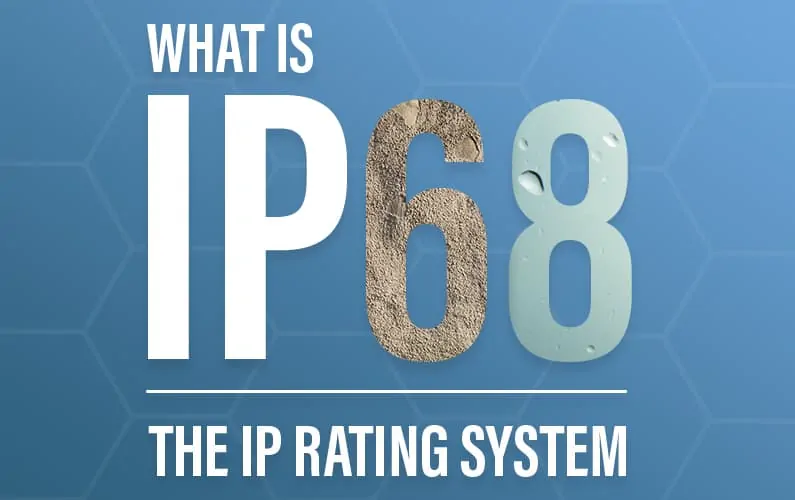
Understanding IP68.

What does that water and dust resistance rating on your phone actually mean?

IP ratings help describe how a device was tested against the intrusion of solids and liquids under specified conditions. Understanding the rating — and its limitations — can help you take better care of your device.

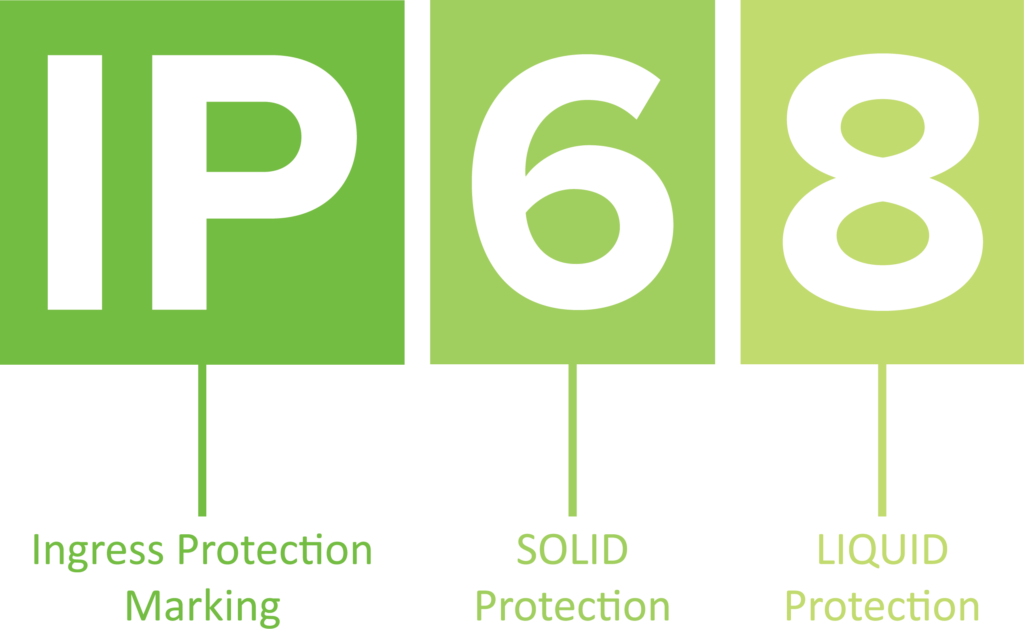
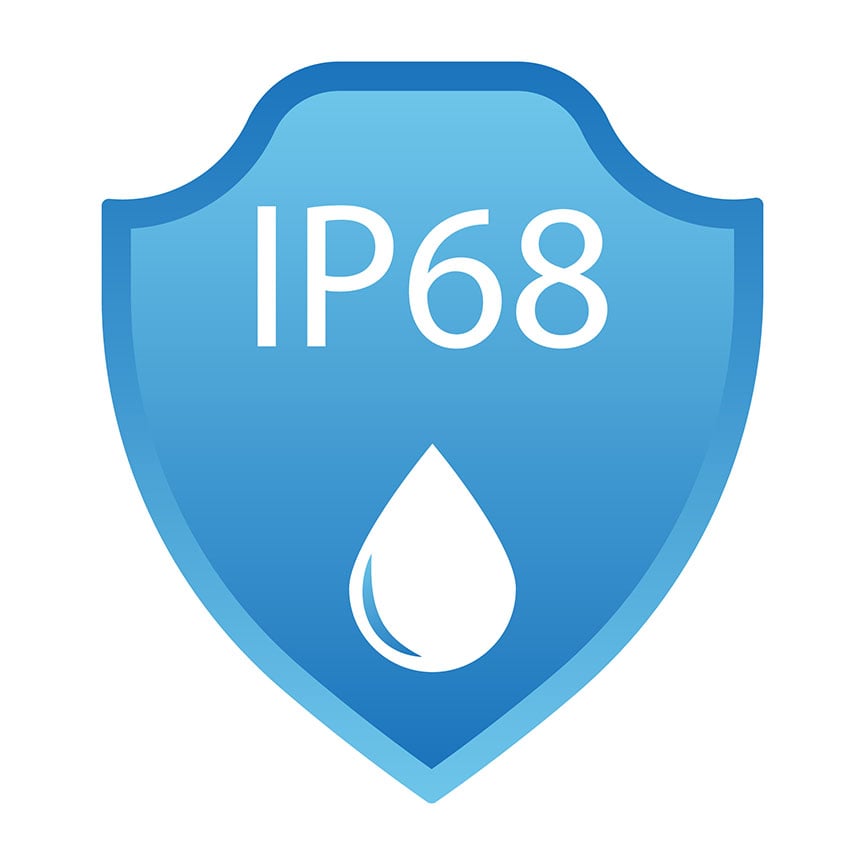
IP Ingress Protection 6 Dust Protection 8 Liquid Protection
Understanding an IP68 device rating
IP 68 DUST + LIQUID
RESISTANCE
IMPORTANT DISTINCTION

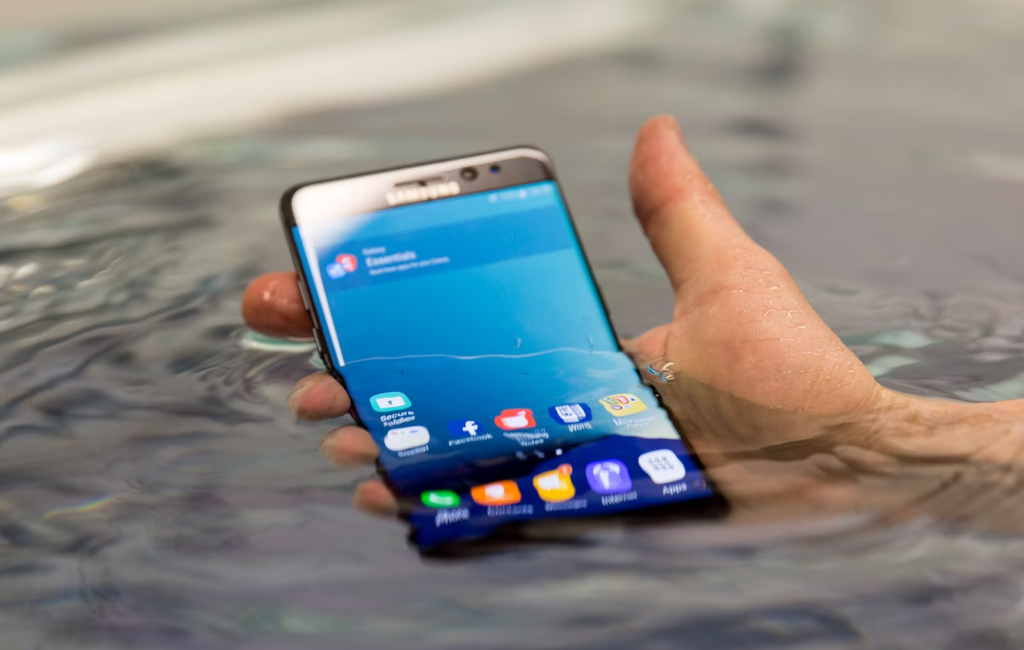
Water-resistant does not mean waterproof.

An IP rating describes performance under specific controlled testing conditions. It should not be treated as a guarantee that a device cannot suffer liquid damage in everyday use. Age, wear, impacts, physical damage, temperature, pressure and previous repairs can all affect resistance.

START WITH THE BASICS

What is an IP rating?

IP stands for Ingress Protection. The rating describes a device enclosure’s tested protection against solids and liquids.

IP
INGRESS PROTECTION

Two characters. Two different protections.

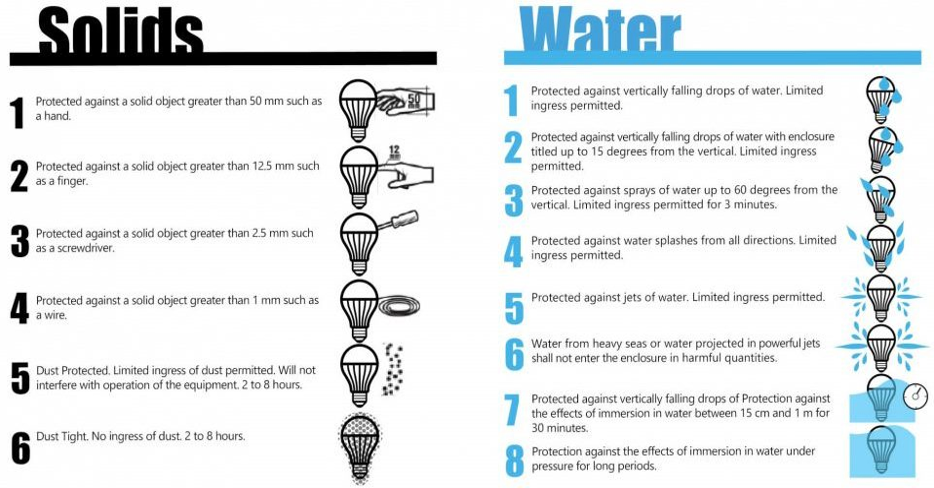
In a rating such as IP68, the first digit describes protection against solid particles. The second describes protection against liquid ingress.

6
FIRST DIGIT

Protection Against Solids

Solid-particle protection is rated on a scale from 0 to 6. A rating of 6 represents the highest level on that scale and indicates a dust-tight enclosure under the applicable test conditions.

8
SECOND DIGIT

Protection Against Liquids

The second digit describes liquid-ingress protection. An 8 indicates protection for continuous immersion according to conditions specified by the manufacturer and applicable testing standard.

Understanding the IP68 rating
BREAKING DOWN IP68

So, what does IP68 mean?

IP68 combines a high level of tested protection against both solid particles and liquid ingress.

The rating applies to the device as tested under the manufacturer’s specified conditions. Those conditions matter: the exact permitted immersion depth and duration can vary by manufacturer and device.

6
Dust-Tight

Protection against dust ingress under the applicable test conditions.

8
Immersion Protection

Tested for immersion under conditions specified for the particular device.

THE CONDITION OF THE DEVICE MATTERS

The manufacturer’s rating applies to the device as manufactured and tested.

Factory Seals

Original adhesives, seals and enclosure components contribute to the device’s tested resistance.

Physical Condition

Drops, bending, cracks, impacts and other physical damage can compromise seals or enclosure integrity.

Age + Wear

Adhesives and sealing materials can deteriorate with time, heat, use and environmental exposure.

Previous Opening

Once a device has been opened or repaired, its original factory-tested condition has changed.

CONTROLLED TESTING

How IP68 testing works.

Manufacturers test devices under controlled conditions to determine whether an enclosure meets the applicable ingress-protection requirements.

TEST 01

Dust Resistance Testing

The enclosure is exposed to fine particles under specified laboratory conditions and then inspected for ingress.

TEST 02

Liquid Resistance Testing

The device is subjected to controlled immersion conditions and assessed according to the applicable rating and manufacturer’s specifications.

IP68 testing and ratings
Importance of an IP68 rating
WHY THE RATING MATTERS

Protection designed for everyday life.

Dust and liquid resistance can provide an additional layer of protection for devices used in environments where exposure to particles or moisture may occur.

Durability

Additional enclosure protection can help a device withstand certain environmental exposure.

Versatility

A suitable IP rating can be valuable for devices used in demanding or unpredictable environments.

Reliability

Reducing dust or liquid ingress can help protect sensitive internal electronics.

PROTECT YOUR DEVICE

Correct care for your device.

Even if your device carries an IP rating, sensible care remains the best way to reduce the risk of liquid or environmental damage.

Caring for an IP68 rated device
Follow Your Manufacturer’s Limits

Water-resistance specifications vary by device. Follow the immersion depth, duration and conditions published for your exact model.

Avoid High-Pressure Water

Do not intentionally expose your device to forceful or high-pressure water unless the manufacturer specifically indicates that use is supported.

Take Impacts Seriously

Drops and impacts can compromise the enclosure, adhesives or seals even when visible damage appears minor.

Dry It Properly

If exposed to fresh water, follow the manufacturer’s drying instructions and use a clean, soft cloth.

Be Careful Around Other Liquids

Salt water, chlorinated water, beverages, soaps and other liquids may behave differently than fresh water. Follow the manufacturer’s cleaning instructions.

Don’t Rely on Touch Underwater

Touchscreens and other device functions may not work normally while wet or submerged.

AFTER A DEVICE HAS BEEN OPENED

What happens to IP68 after a fix?

A manufacturer’s original IP rating should not be assumed to remain guaranteed after a device has been opened, damaged or repaired.

Where applicable, Fix Factory technicians replace appropriate seals and adhesives during reassembly. However, a repair cannot recreate or independently guarantee the manufacturer’s original factory IP68 certification or testing conditions.

Appropriate replacement adhesives and seals are used where applicable to the repair.

Devices are carefully reassembled by trained technicians.

Liquid damage is not guaranteed against after repair, and the original manufacturer’s IP rating is not warranted by Fix Factory.

Water resistance considerations after device repair

Important IP68 is not a lifetime waterproof guarantee.

THE KEY TAKEAWAY

Think of IP68 as protection — not permission.

An IP68 rating can provide meaningful protection against dust and liquid ingress, but it does not make a device indestructible or universally waterproof. Treat liquid resistance as an added safeguard rather than an invitation to intentionally expose your device to water.

DEVICE DAMAGED? · GET FIXED™

Something wrong with your device?

From screens and batteries to charging issues and advanced diagnostics, Fix Factory can help you find the right fix.

WHY CHOOSE FIX FACTORY (CANADA)

Fast. Convenient. Reliable.

Certified expert fix, on your terms. Here’s what makes us different.