














What Is a Blacklisted Phone?
A used phone can look perfect, power on normally, and still have a serious problem: its IMEI may be blocked from cellular service. Knowing what to check before you buy can help reduce the risk.
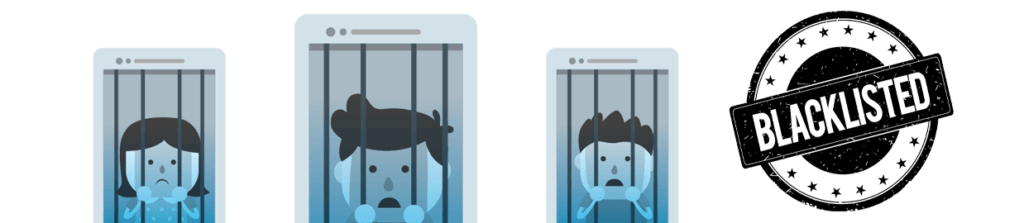
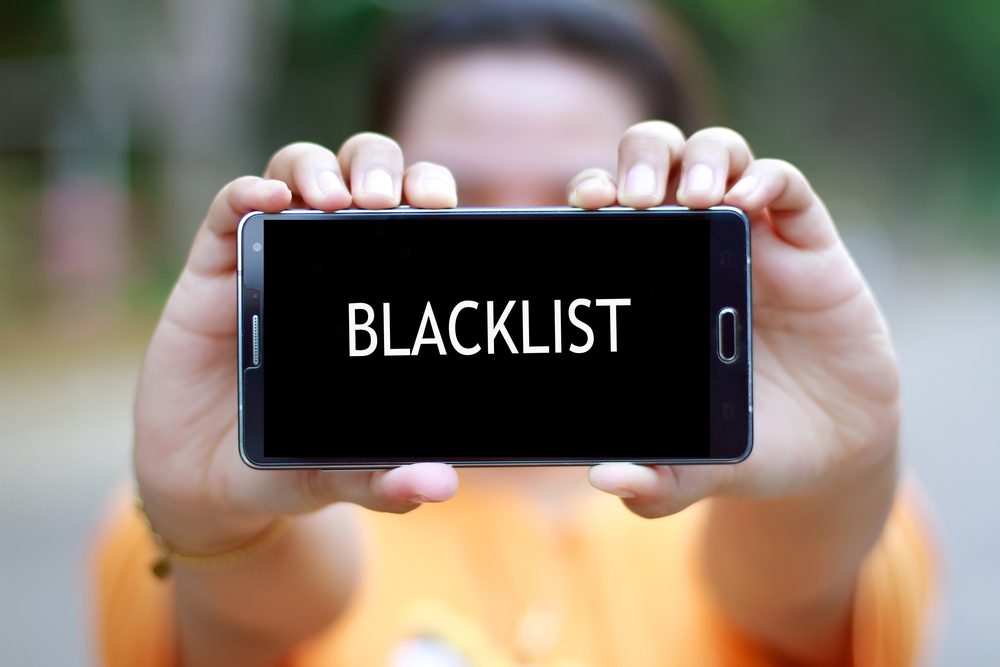
A blacklisted phone has an IMEI that has been flagged by a participating wireless network.
This most commonly happens when a device is reported lost or stolen. The phone may still work on Wi-Fi and appear completely normal, but cellular service can be blocked.
A device can also be reported after it has already been sold, which is why a clean IMEI check today cannot guarantee that the status will never change later.
Reduce your risk with a few simple checks.
No single step can provide a 100% guarantee, but these checks can help you avoid many common problems.
Check the IMEI
Verify the device’s blacklist status before paying. A clean result is a good starting point, but it is not a permanent guarantee.
Check Device Status →Test Cellular Service
Where possible, insert a compatible SIM and confirm the phone can connect to a cellular network before completing the purchase.
Get a Detailed Receipt
Keep proof of purchase and, ideally, have the device IMEI or serial number documented on the receipt.
Know Who You’re Buying From
An established seller, reputable business, or known person generally gives you more recourse than an anonymous marketplace transaction.
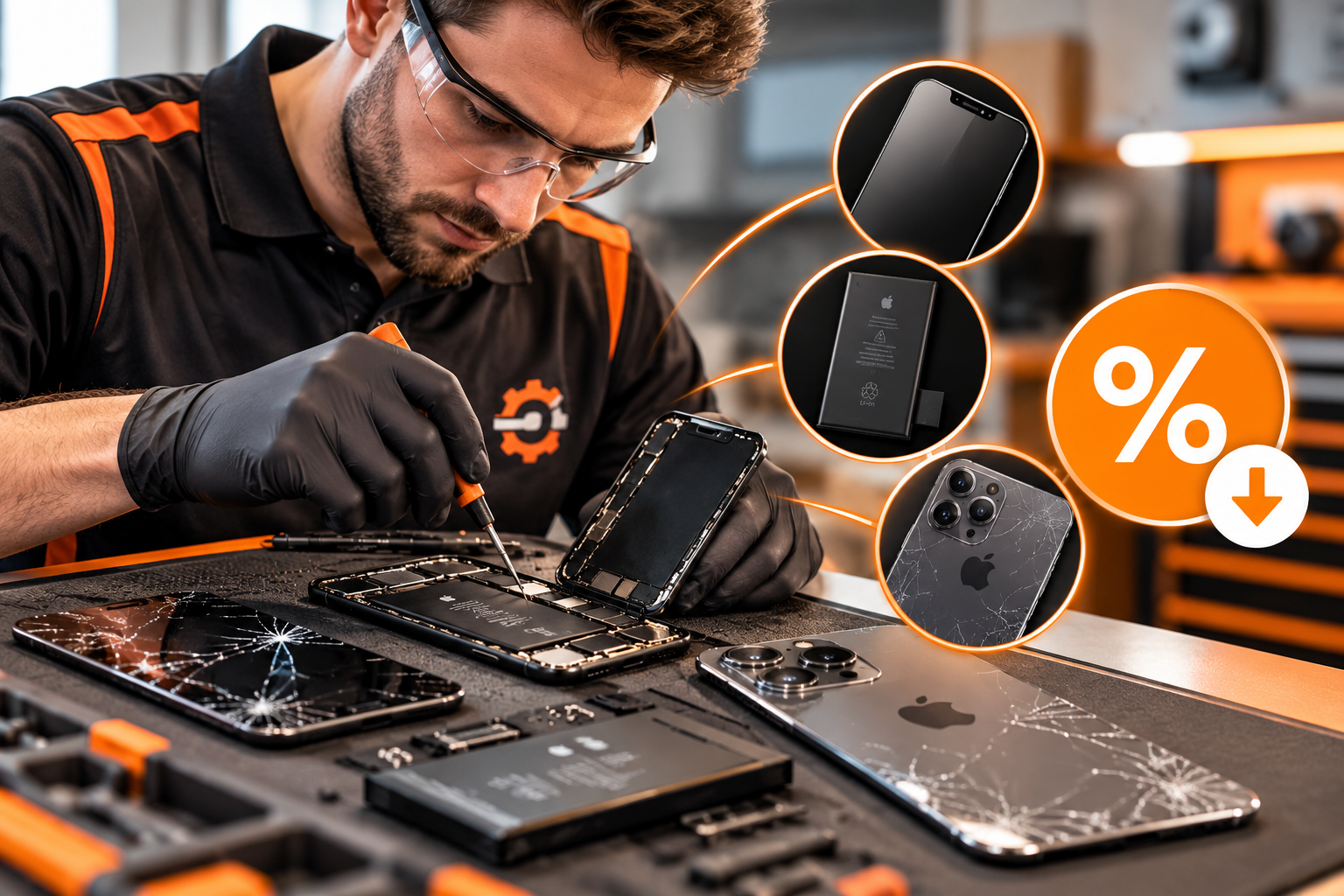
This usually isn’t something a repair shop can “fix.”
Blacklist status is generally tied to the device IMEI and carrier/account records rather than a normal hardware fault. Replacing a part does not legitimately remove a carrier blacklist.
- Contact the seller first and request a resolution or refund.
- Keep screenshots, receipts, payment records, and the IMEI.
- If you are the rightful account holder, contact the relevant wireless provider.
- Check marketplace or payment-provider dispute options if applicable.
Choose a refreshed device with documented protection.
Fix Factory Refreshed Devices are blacklist checked before sale and include applicable warranty and guarantee coverage under the current terms.
Check first. Document everything. Buy with confidence.
A quick IMEI check and a proper receipt can save a lot of frustration later.
Device blacklist status, carrier restrictions, warranty coverage, and buyer-protection options can vary by device, provider, transaction, and current terms.